Feature|Ongoing Subscriptions
Edit Custom Attributes on Subscriptions
View and edit a subscription's custom attributes from its page in Ongoing Subscriptions. Changes are included in future renewal orders.
Custom attributes are extra details attached to a subscription, such as an account ID, a membership number or a reference used by another system. Shopify adds them to each renewal order.
You can now see a subscription's custom attributes in the new Custom attributes card on its page.
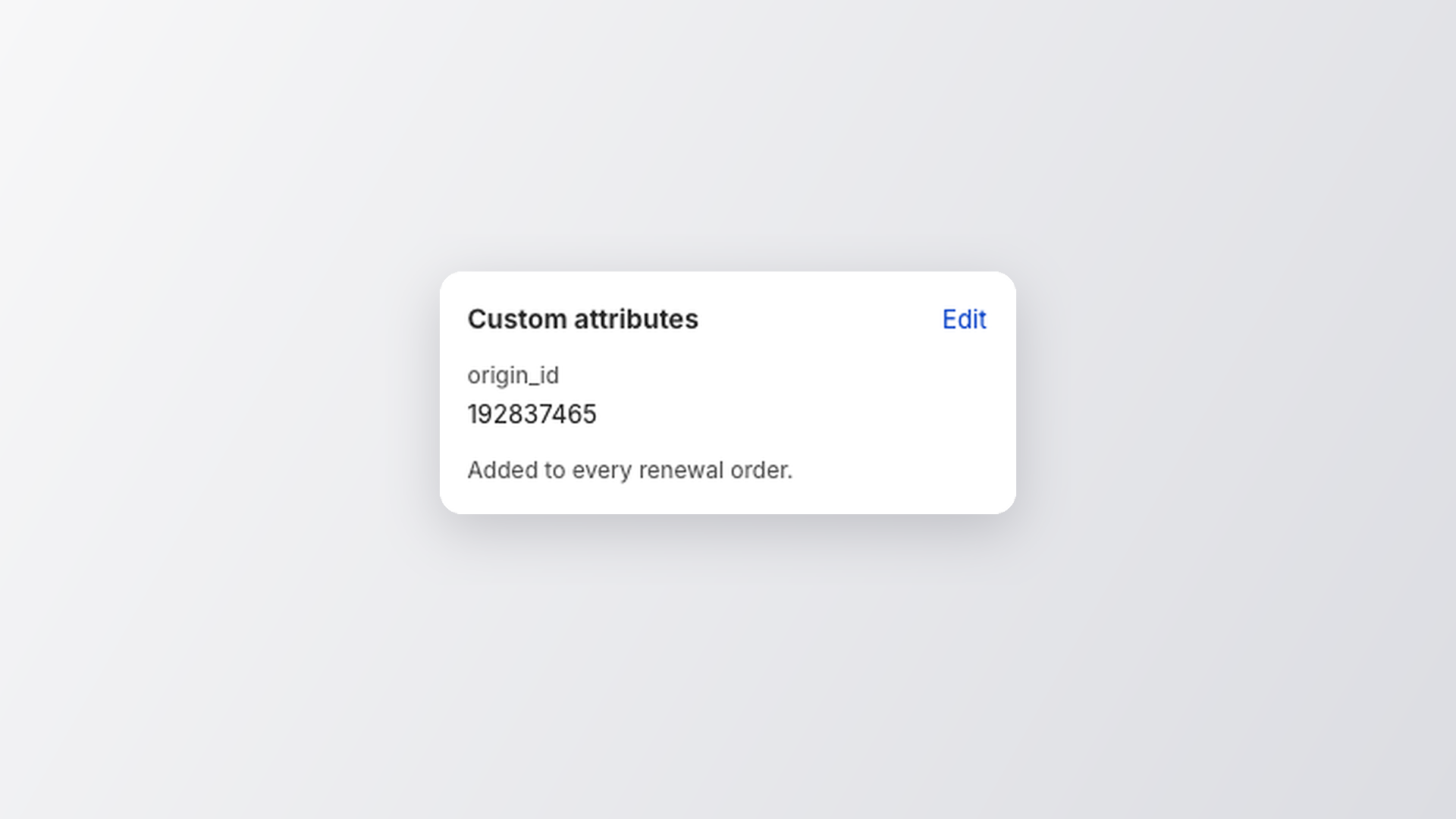
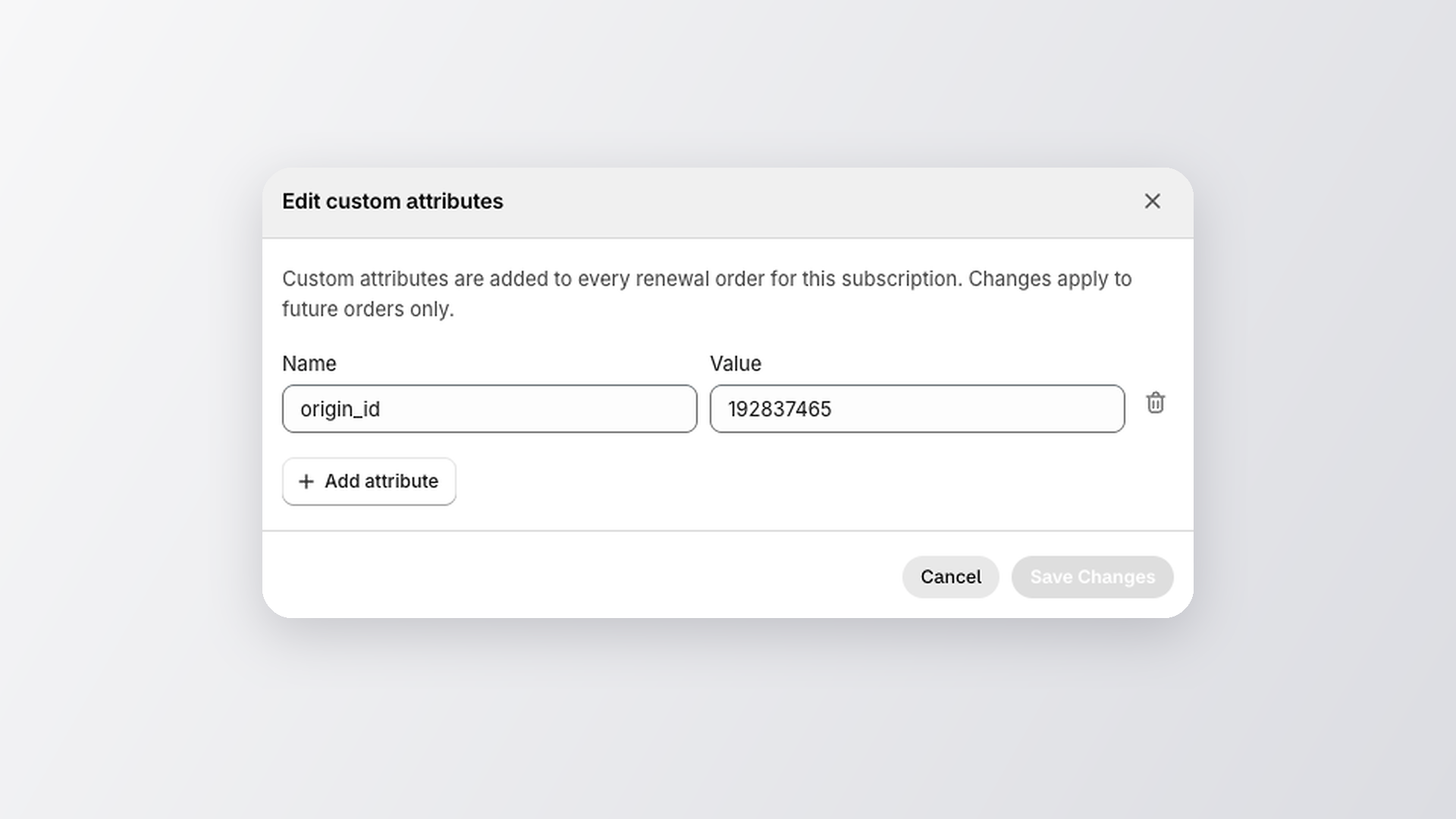
Click Edit to change a value, add an attribute or remove one. Changes are included in future renewal orders. Orders that already exist aren't changed.
Each change is recorded in the subscription's activity log with the old and new values.