Shopify Subscription Management: Everything You Need to Know

Getting subscriptions running on Shopify is the easy part. A merchant installs an app, creates a selling plan, and the first subscriber signs up. That part works.
What comes after is where Shopify subscription management actually begins — and where most merchants discover that running a subscription business is fundamentally different from running a one-time purchase store. Subscribers need to be billed repeatedly. Cards fail. Subscribers want to skip deliveries, swap products, update addresses, pause for a month, or cancel. Cancellations need to be handled thoughtfully. Payment failures need to be recovered before subscribers disappear.
Managing all of that well — systematically, automatically, without it eating up support bandwidth — is the operational skill that separates subscription businesses that grow from ones that plateau.
This guide covers what Shopify subscription management actually involves, what good looks like at each stage, and what to look for in a subscription app.
What Shopify Subscription Management Actually Covers
Subscription management isn't a single feature. It's the full operational layer that sits between a subscriber signing up and that subscriber still paying twelve months later.
Done well, it's nearly invisible. Billing processes on schedule, failed payments get recovered automatically, subscribers manage their own deliveries without contacting support, and cancellations are handled with enough flexibility that some of them turn into pauses instead. The merchant's attention stays where it belongs — on acquisition and product.
Done poorly, it becomes a constant drain. Support tickets pile up from subscribers who can't skip a delivery or change an address. Failed payments go unrecovered because the retry system is thin. Subscribers cancel because there's no pause option. Each of these failures has a real revenue cost attached.
Shopify subscription management covers six core areas:
- Billing and renewal — scheduling, selling plans, order integration
- Payment failure recovery — retries, dunning sequences, expiring card alerts
- The subscriber portal — self-serve management for subscribers
- Cancellation handling — alternatives to cancelling, reason capture
- Subscription analytics — what to measure and why
- Merchant-side tools — visibility and control over the full subscriber base
Each one matters. Weakness in any one area compounds over time.

Billing and Renewal Management
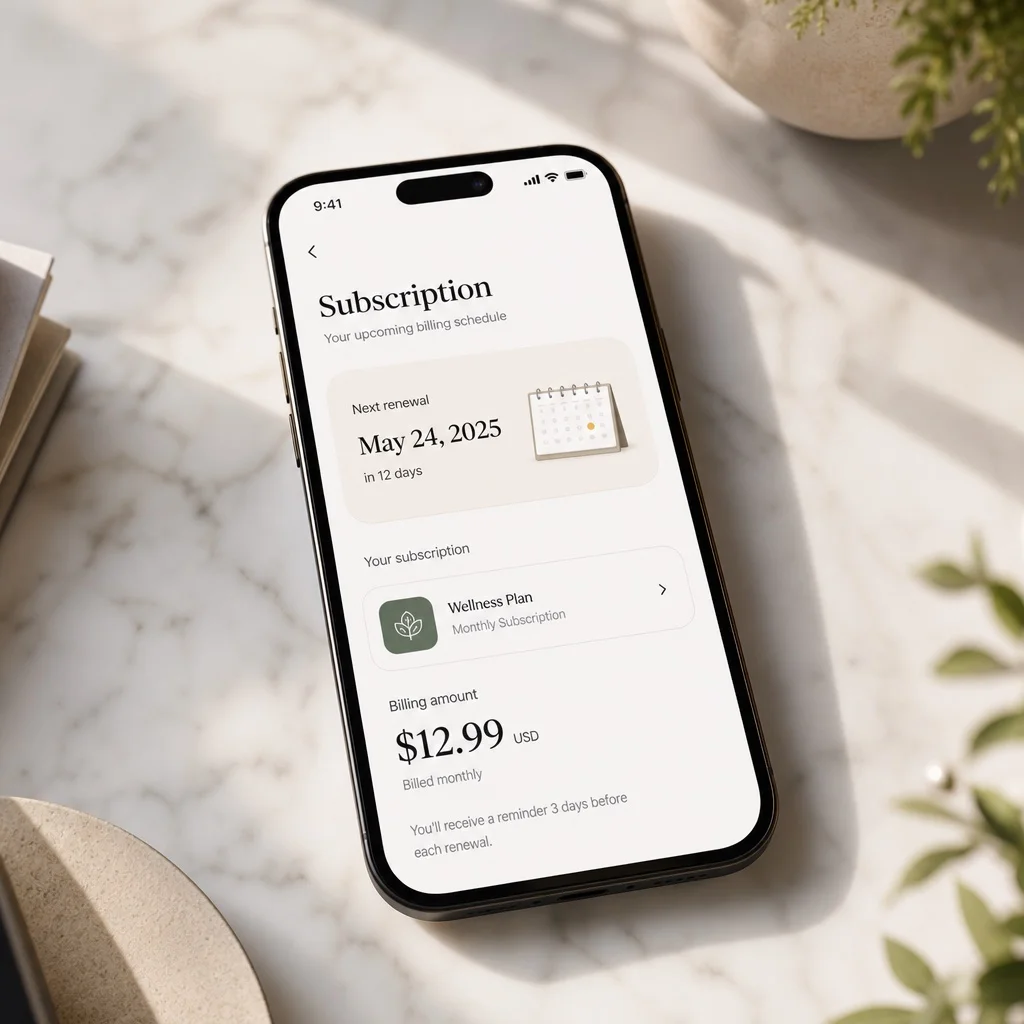
The foundation of any subscription business is reliable, automatic billing. On Shopify, subscription billing runs through Shopify Payments — the platform handles the transaction itself, and the subscription app manages the schedule, the selling plans, and the renewal logic.
Flexible selling plans. Good subscription management starts with giving merchants the tools to set up subscriptions their customers actually want. That means different billing frequencies (weekly, monthly, every 6 weeks, quarterly), discount options (percentage off, fixed price, free shipping on subscriptions), and choices between prepaid and pay-as-you-go models. The more flexibility in the selling plan setup, the better merchants can match real subscriber preferences — and the lower the churn that comes from "this doesn't fit my routine."
Subscriber-level billing visibility. At any point, a merchant should be able to see when each subscriber's next order processes, what they'll be charged, what product they'll receive, and whether there are any flags on their account. This sounds basic, but a lot of subscription apps don't surface it cleanly. Without this visibility, problems get caught late — after a subscriber has already churned.
Clean order integration. Subscription renewals need to flow into Shopify's order system without errors — correct product details, discounts applied properly, shipping rates calculated accurately. Errors in the billing-to-order handoff create fulfillment issues that quietly erode subscriber trust over time.
Ongoing Subscriptions manages billing schedules automatically with full subscriber-level visibility, so merchants can see exactly what's coming up across their entire subscriber base.
Payment Failure Recovery
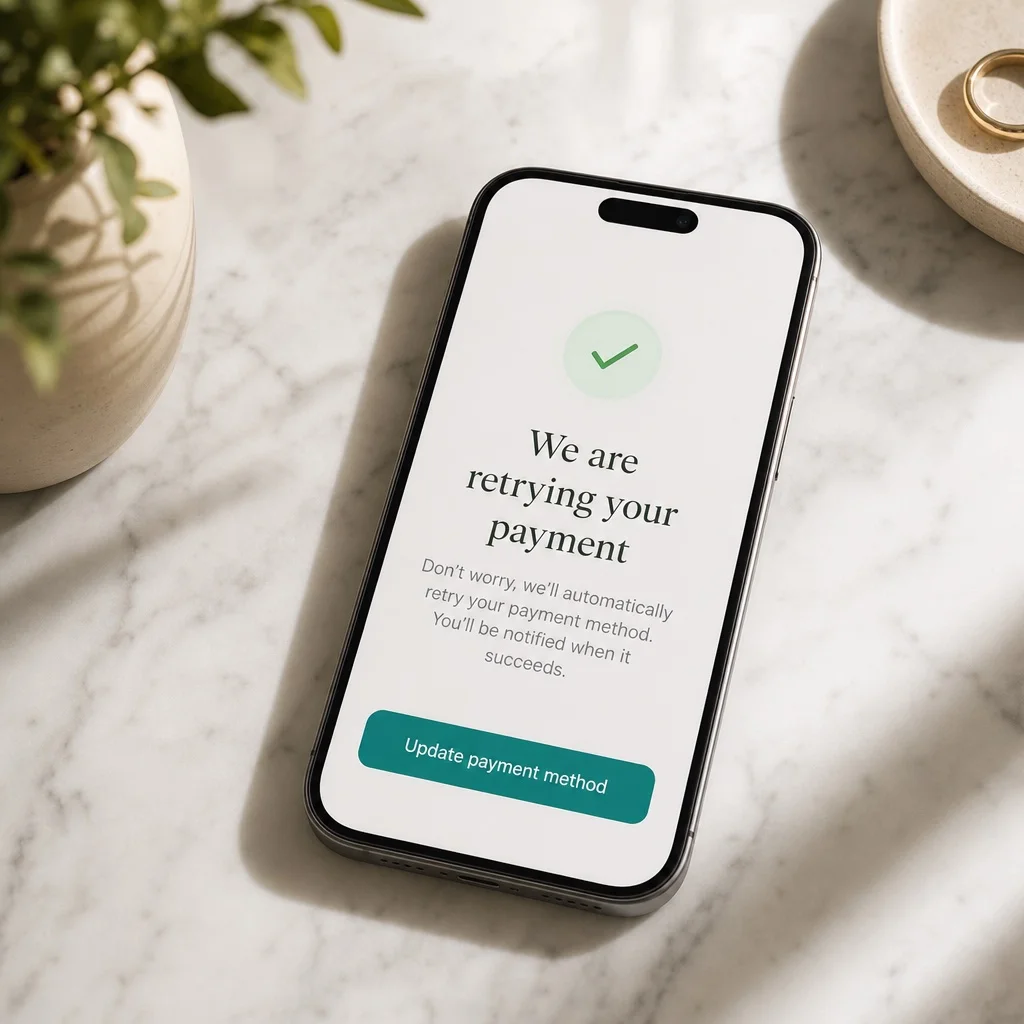
Payment failures are unavoidable. Cards expire. Banks block recurring charges. Subscribers replace stolen cards and forget to update their billing details. Across the subscription industry, 5–10% of billing attempts fail in any given cycle — and how a merchant responds to those failures determines how much of that revenue gets recovered.
A weak recovery system sends one generic failed payment email and tries one retry. It recovers maybe 20% of failed payments. The rest get counted as churned subscribers, even though most of them never intended to cancel.
A strong recovery system runs a structured sequence over 7 to 8 days:
- Day 0: Payment fails. Automatic retry. Subscriber gets a notification with the specific decline reason — not a generic message, but the actual reason (expired card, bank block, insufficient funds) so they know exactly what to do.
- Days 1–3: Second and third retries. Follow-up notifications. Tone stays helpful, not alarming.
- Days 5–8: Final retries. Last notification before the subscription lapses.
On top of the retry sequence, proactive expiring card alerts — sent 3 days before a card on file expires — catch the problem before it becomes a failure. A subscriber who updates their card the week before it expires never generates a failed payment at all.
The difference in recovery rates between a weak and a strong system typically runs from 20% to 65%+. On a business with 500 subscribers at $45/month, that gap is worth thousands of dollars every billing cycle — recovered automatically, with no manual intervention.
Ongoing Subscriptions runs an 8-day recovery sequence with expiring card alerts built in. The payment update flow takes subscribers straight to their portal with one click.
The Subscriber Portal
The subscriber portal is the self-serve interface where subscribers manage their own subscriptions. It's one of the highest-leverage features in Shopify subscription management — and one of the most commonly underbuilt.
A fully functional subscriber portal lets subscribers manage their subscription completely on their own:
- Skip their next order — stay active, no charge that cycle, no cancellation
- Change their next billing or shipping date
- Change delivery frequency if the current cadence isn't working
- Add, swap, or remove products in their subscription or bundle
- Change quantity on any item
- Pause their subscription temporarily
- Reactivate after a pause
- Update their shipping address
- Change the credit card on file
- View their full order history
- Cancel if they've truly decided to leave
That last one matters less when everything above it is available. Most cancellations aren't permanent decisions — they're responses to friction. A subscriber who can skip, swap, or pause on their own terms rarely needs to cancel at all.
The support ticket angle matters too. Merchants with a full self-serve portal spend dramatically less time on subscription-related support — and that time compounds as the subscriber base grows.
Ongoing Subscriptions includes all of the above in a fully branded subscriber portal — passwordless, so subscribers get straight in from a link without having to remember account credentials, and no support ticket required.
Subscription Bundles: A More Flexible Way to Subscribe
Subscription bundles are one of the most powerful formats a Shopify merchant can offer — and one of the most underused. Instead of subscribing to a single product on a fixed schedule, a subscriber builds a box: choosing which products go in, how many of each, and getting the whole thing delivered on their preferred frequency.
Done well, bundles increase average order value, reduce churn, and give subscribers a reason to stay engaged with their subscription month after month. A static single-product subscription is easy to cancel when life changes. A curated bundle that the subscriber has built to fit their routine feels personalized — and personalized subscriptions retain longer.
The management side is what makes or breaks a bundle subscription. If a subscriber can't edit their bundle — can't add a new product they want to try, remove something they have too much of, or swap a variant — the flexibility of the format disappears. A bundle they can't manage is just a fixed subscription with extra steps.
With Ongoing Subscriptions+ Bundles, subscribers manage their bundle entirely through the self-serve portal:
- Add products to their bundle at any time
- Remove products they no longer want
- Swap products for different variants or items
- Change quantities on any item in the bundle
- Skip a delivery without touching the rest of the subscription
- Change the next delivery date if timing needs to shift
All of it is self-serve, passwordless, and available without contacting support. Merchants set up the bundle structure and the products available for selection — subscribers do the rest.
Bundles also give merchants a natural upsell mechanism built into the subscription itself. A subscriber who can add products to their next delivery is far more likely to try something new than one who has to place a separate one-time order. Higher AOV, more product discovery, stronger retention — the bundle format compounds in multiple directions at once.

Cancellation Handling
How a business handles cancellations is one of the clearest signals of how mature its subscription management is.
A basic cancellation flow: subscriber clicks cancel, confirms, subscription ends. The merchant gets no information about why they left, no chance to offer an alternative, and no data to improve with.
A thoughtful cancellation flow does two things.
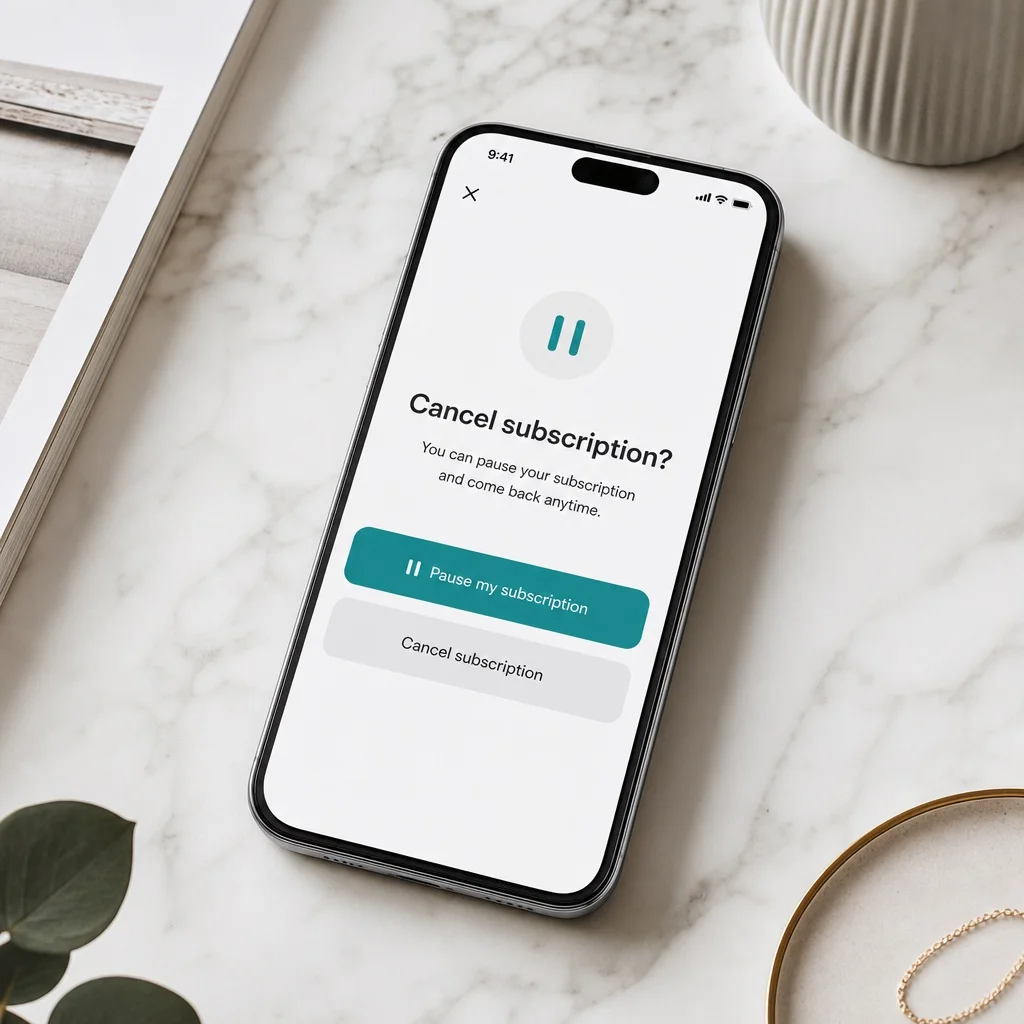
First, it offers a meaningful alternative. A subscriber cancelling because they have too much product is different from a subscriber who genuinely doesn't want the product anymore. The cancellation flow is the last moment to serve those two groups differently. A pause option — "take a break for a month or two, we'll be here when you're ready" — converts a meaningful percentage of would-be cancellations into temporary pauses. Subscribers who pause almost always come back. Subscribers who cancel almost never do.
Second, it captures the reason. In Ongoing Subscriptions, subscribers choose from a list of cancellation reasons and can also write a free-text message directly to the merchant. That feedback — what subscribers say when they're on their way out — is some of the most actionable data a subscription business can collect. After 60 to 90 days, patterns become clear: too much product on hand, price sensitivity, a specific product quality issue. Each pattern points to a fixable problem.
Subscription Analytics
Good Shopify subscription management requires visibility into what's actually happening across the subscriber base. A single blended number — overall churn rate, total MRR — hides the patterns that matter.
The metrics worth tracking:
Active subscriber count and trend. Is the base growing, flat, or declining? The direction matters more than the snapshot.
MRR (Monthly Recurring Revenue). The contracted recurring revenue from all active subscribers. This is the number a subscription business is actually building toward.
Churn by product. Which SKU or product has the highest cancel rate? A high-churn product often signals a mismatch between expectation and delivery — a fixable problem once it's visible.
Churn by cohort. Which group of subscribers — those who started in January vs. April, for example — retained at the highest rate? Cohort analysis reveals whether product, onboarding, or seasonal effects are driving retention differences.
Failed payment recovery rate. What percentage of failed payments is the dunning system actually recovering? If it's below 50%, the payment recovery system needs attention before anything else.
Upcoming renewals. How much revenue is scheduled to process in the next 7 to 30 days? This forward-looking number tells merchants what to expect — and helps them spot issues before they hit.
Ongoing Subscriptions surfaces all of these in the merchant dashboard, with churn broken down by product, cohort, and date.

Choosing the Right Shopify Subscription Management App
Every element of Shopify subscription management lives in the subscription app a merchant installs. The billing logic, the dunning sequence, the portal features, the cancellation flow, the analytics — all of it is determined by the app.
This makes app selection the single most consequential subscription management decision a merchant makes. A weak app means weak management at every layer, and that compounds into churn, lost revenue, and support overhead over time.
When evaluating a Shopify subscription app, the questions worth asking:
- Does the portal give subscribers full self-serve control, or do they need to contact support for common actions?
- How deep is the dunning sequence? One retry and one email isn't a recovery system. Look for 7–8 days of structured retries, expiring card alerts, and decline reason visibility.
- Does the cancellation flow capture reasons and offer a pause option before the subscriber exits?
- Does the analytics dashboard break down churn by product and cohort, or just show one blended number?
- What's the setup time? Good subscription management shouldn't require a multi-week implementation.
Ongoing Subscriptions+ Bundles handles all of it — billing management, 8-day payment recovery, a complete subscriber portal, a thoughtful cancellation flow, and analytics that break churn down by product, cohort, and date. Free to install, zero transaction fees, trusted by 10,000+ Shopify brands generating over $600M in recurring revenue. Setup takes about 5 minutes.
Published by Ongoing Apps