Shopify Subscription Emails: The Sequences Every Merchant Needs
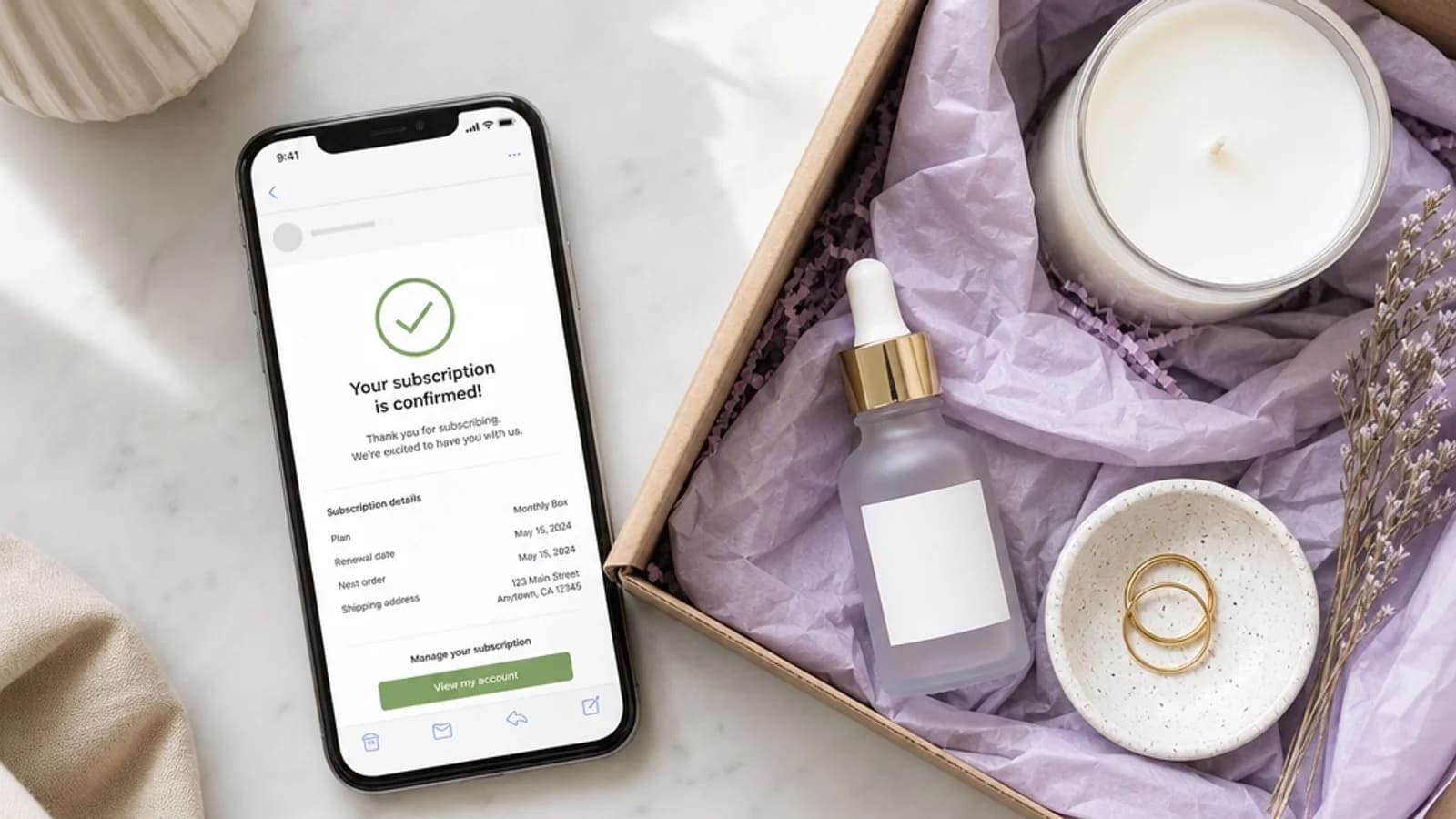
Most merchants spend weeks dialing in their subscription product and pricing. They pick the niche, set up billing, design the customer portal. Then they go live — and forget the email layer entirely.
That's a problem. Because for a subscriber, email isn't a marketing channel. It's the relationship. It's how they know their box is coming, how they get a heads-up before their card gets charged, and how they feel like a valued customer instead of an automated transaction.
The merchants with the lowest churn aren't necessarily the ones with the best products. They're the ones with the right emails running at the right moments. This guide covers every sequence you need — and what each one is actually doing for your retention.
Why Subscription Emails Are Different
A one-time buyer gets a confirmation and maybe a follow-up. That's enough — the transaction is complete.
A subscriber has an ongoing relationship with your store. They're billed repeatedly, they receive products on a schedule, and they're making a quiet decision every single month about whether to stay. Your emails are part of that decision.
Done well, subscription emails do three things:
They reduce friction. A renewal reminder sent three days before billing gives subscribers a chance to update a card, skip a month, or swap a product — before any of those become a reason to cancel.
They build anticipation. A shipping notification for a subscription box isn't just logistics. It's the signal that something good is coming. The right copy turns routine transactional emails into part of the experience.
They recover revenue passively. Automated payment recovery emails bring back subscribers who would have churned silently — without anyone on your team doing anything.
The goal isn't to send more emails. It's to send the right ones, automatically, at the moments that matter most.
1. The Welcome Email
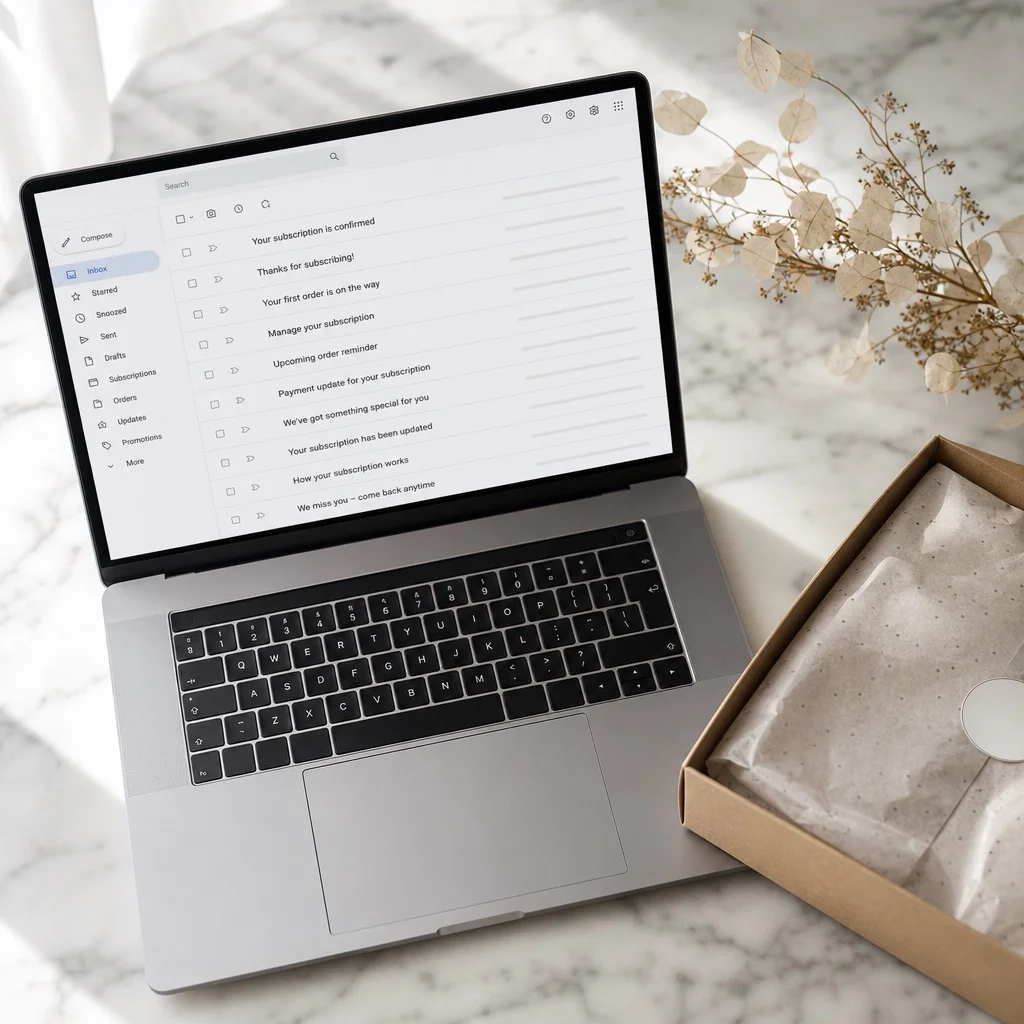
The welcome email is the highest-open email in any subscription program. A subscriber just gave you their card and committed to receiving your product every month — they're more engaged right now than they'll be at any other point in your relationship.
Most merchants waste it with a generic "Thanks for subscribing!" message. That's a missed opportunity.
A great subscription welcome email does four things:
Confirms what they signed up for. Restate what they'll receive, when they'll receive it, and when their first charge will happen. No surprises.
Sets expectations for the experience. Tell them what to look forward to — the discovery, the curation, the ritual. Remind them why they subscribed in the first place.
Gives them control. Link directly to their customer portal. Let them know they can pause, skip, or update their payment method at any time. This isn't just customer service — it reduces cancel anxiety. Subscribers who know they're in control stay longer.
Invites them in. If you have a community, a hashtag, or a way for subscribers to share their unboxing, mention it here. The first box is the best moment to turn a subscriber into an advocate.
Send it immediately on signup. Subject line should be specific — not "Welcome to [Brand]" but "Your first box ships [date] — here's what to expect."
2. Renewal Reminder Emails
This is the most underused email in subscription commerce and one of the highest-leverage things you can set up.
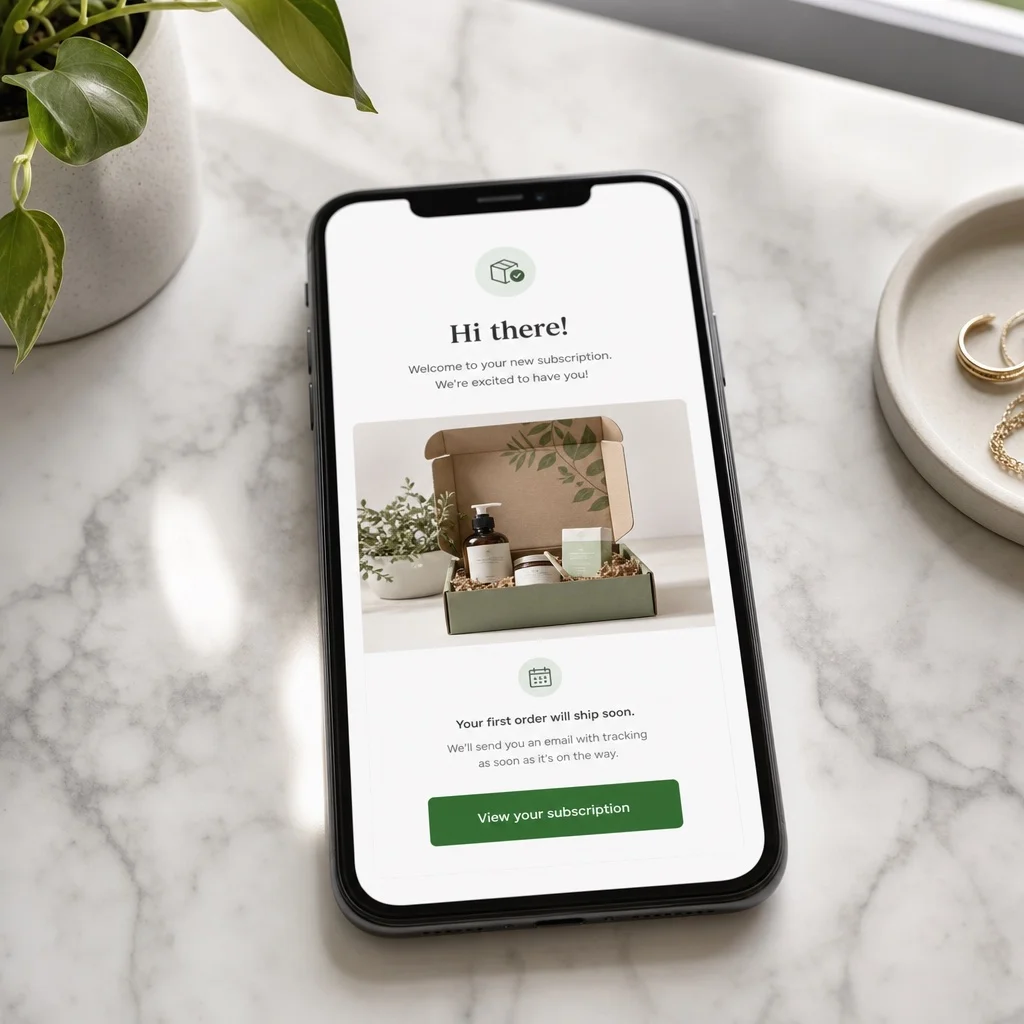
A renewal reminder goes out 3–5 days before a subscriber's billing date. It tells them their subscription is renewing, what they'll be charged, and when. It also gives them a direct link to their customer portal if they need to make any changes.
Here's why this matters: the most common reason subscribers cancel right after a billing event isn't that they wanted to stop. It's that they were surprised. They forgot they had a subscription. They saw a charge they didn't recognize. They felt like something happened to them rather than for them.
A renewal reminder flips that. Now the subscriber sees the charge coming, remembers why they're subscribed, and — if they want to make a change — does it before billing instead of after.
The data backs this up: merchants who add renewal reminders consistently see lower churn on billing day and fewer payment disputes.
Keep the email simple. Subject line: "Your [Brand] box renews in 3 days." Body: what they're getting, what they'll be charged, a link to manage their subscription. That's it. No upsell, no distraction.
3. Payment Recovery Emails
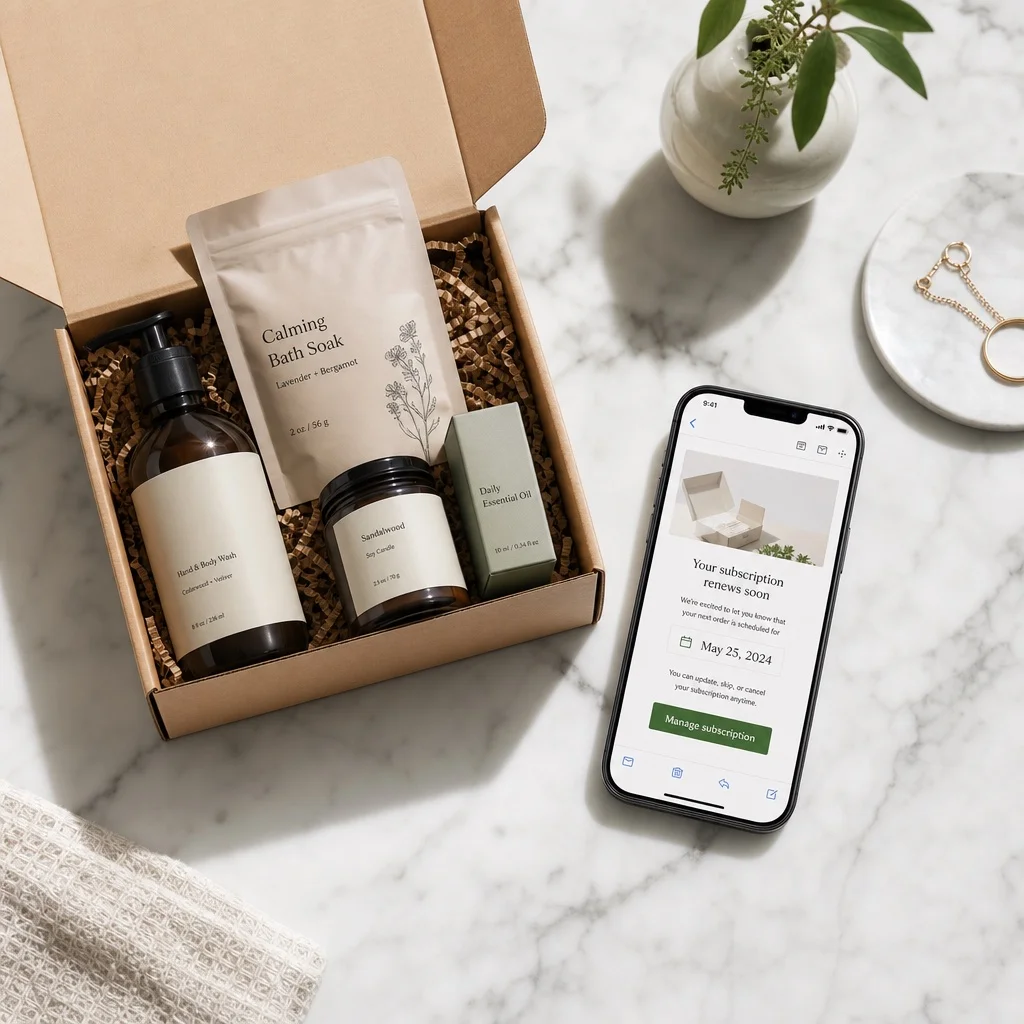
Failed payments are the most predictable source of silent churn in any subscription business. A card expires, a bank flags a transaction, a billing detail changes — and without an automatic recovery email, that subscriber is gone without ever deciding to leave.
The recovery email sequence is simple but has to be fast. A subscriber whose payment failed should hear from you within hours, not days. The longer the gap between a failed charge and the recovery email, the lower the recovery rate.
A strong recovery sequence:
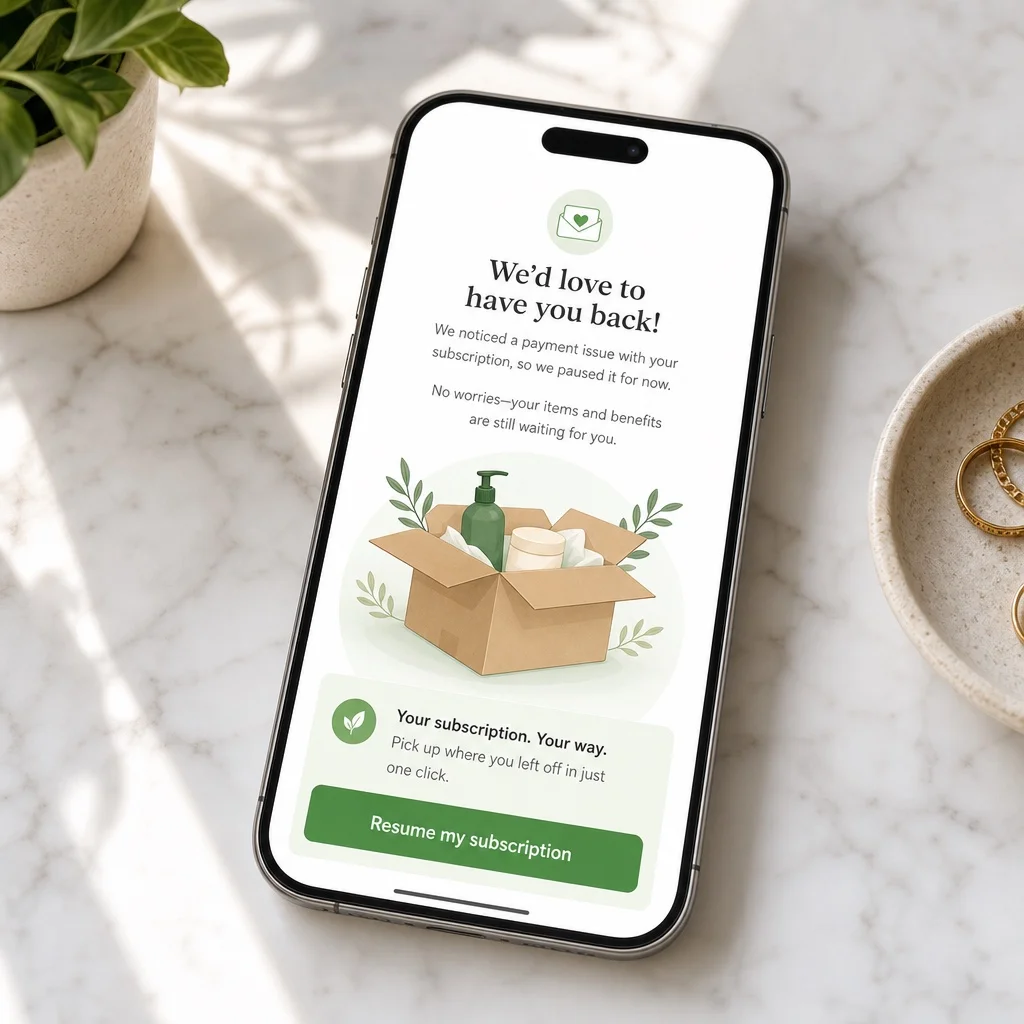
Email 1 (same day): "Your subscription is ready to resume — just update your payment details." Friendly, no blame, direct link to update. Green CTA button. No red error language.
Email 2 (day 3): A gentle follow-up. Remind them what they're missing. "Your next box is ready — we just need your updated payment info to ship it."
Email 3 (day 6): Final notice. "We'll pause your subscription on [date] if we don't hear from you." Give them one more easy path to update.
The framing matters enormously here. Every recovery email should be written from the perspective of wanting to get their next box to them — not from the perspective of a failed transaction. Subscribers who feel like they're being chased for money cancel. Subscribers who feel like a brand is looking out for them update their card.
Ongoing Subscriptions+ Bundles includes automated dunning with customizable recovery email sequences built in — no third-party email tool required.
4. Order Confirmation and Shipping Emails
These are the emails subscribers actually look forward to. Use them.
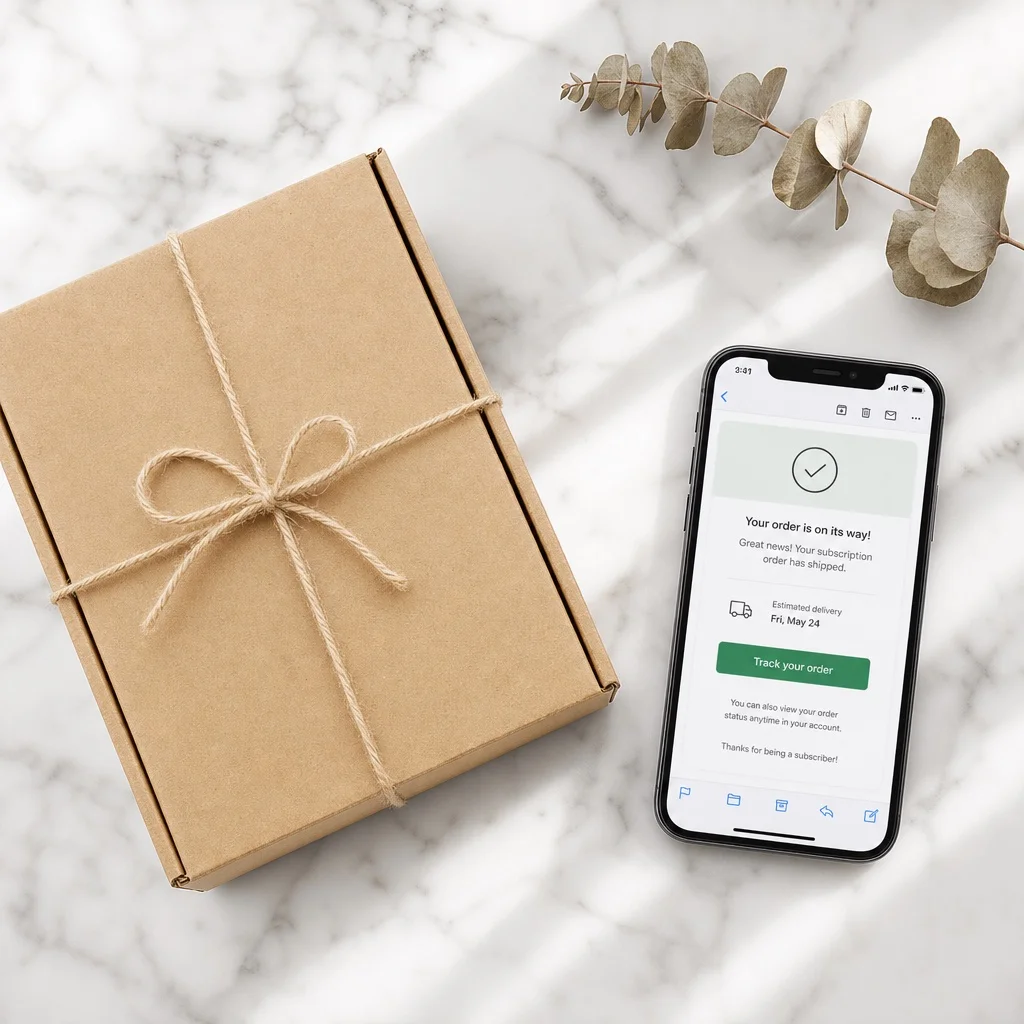
The order confirmation goes out when a renewal processes successfully. Don't just confirm the charge — confirm what's coming. If you can tease what's in the next box, do it. "Your [Month] box is confirmed — here's a hint at what's inside" drives open rates far higher than "Order #12345 confirmed."
The shipping notification is even better. This is the moment when anticipation peaks. A subscriber who gets a shipping email with tracking is checking it every day until the box arrives. That's engagement. That's the subscription working the way it's supposed to.
If you want to improve retention with a single change, improve your shipping email. Add a personal note. Share one sentence about something in the box and why it was selected. Make it feel handpicked, not automated — even when it is.
The unboxing experience starts the moment the shipping notification lands in their inbox, not when the box arrives at their door.
5. Pause and Skip Confirmation Emails
A subscriber who pauses isn't leaving. A subscriber who skips a month isn't canceling. These are the outcomes you want when someone's on the fence — and a well-crafted confirmation email can make all the difference in whether they come back.
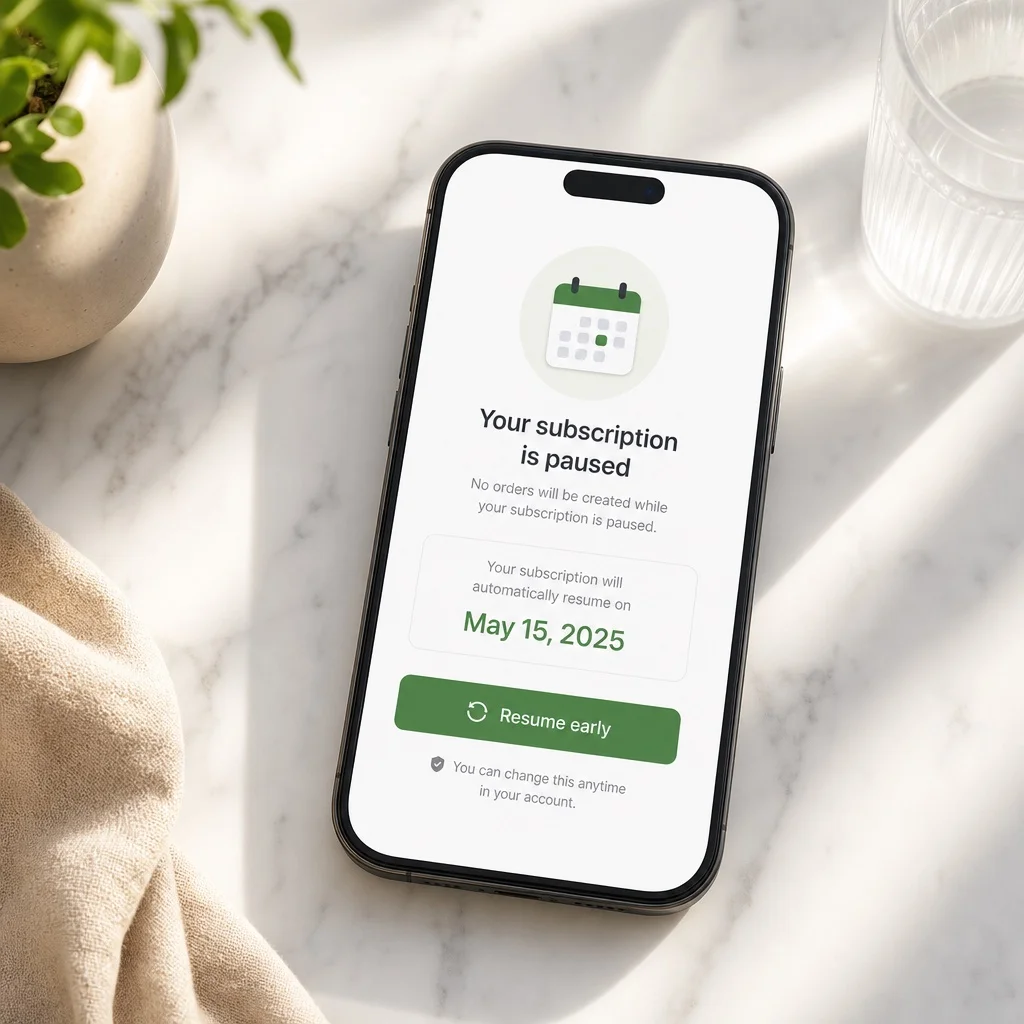
When a subscriber pauses or skips, send a confirmation immediately. Confirm what they did, when their subscription will resume, and make it easy to undo if they change their mind. Don't add friction by making them feel judged or questioned.
The tone should be warm and forward-looking. "Your subscription is paused — we'll be back in your inbox in [Month] with something good." That's it. No guilt, no "are you sure?", no attempt to change their mind in the email itself.
The resumption email — sent a few days before the pause ends — is equally important. "Your subscription resumes [date] — here's what's in your next box." This is often the email that reminds a paused subscriber why they're subscribed and gets them excited again before the billing event.
Subscribers who pause and resume have higher LTV than subscribers who never pause at all. They've already proven they're committed enough to manage their subscription rather than cancel it.
6. The Win-Back Email
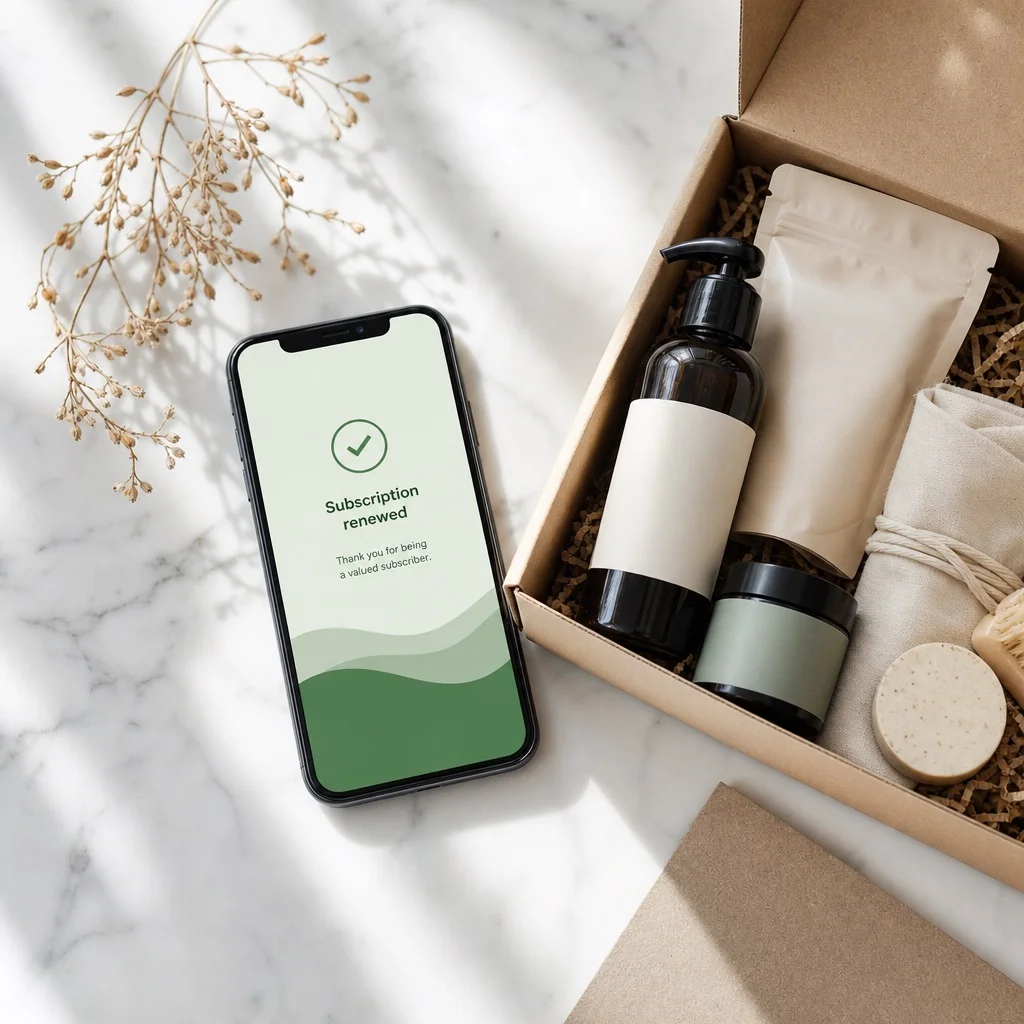
Some subscribers will cancel anyway. The win-back email is your last attempt to bring them back — and it works more often than most merchants expect.
Send it 2–4 weeks after cancellation, when the immediate friction that caused the cancel has passed. Keep it short. One or two sentences acknowledging they left, one sentence on what's new or what they're missing, and a link to resubscribe with a clear offer if you have one.
The mistake most merchants make is sending the win-back too soon, too long, or with too much guilt. "We miss you!" and three paragraphs of features won't bring anyone back. A simple, specific message sent at the right moment will.
Good win-back copy sounds like this: "It's been a few weeks — we just put together our best box of the year and wanted to give you a first look. Come back for [Month] and your first box is on us."
Not everyone will come back. But enough will that every subscription business should have this email running automatically.
How to Automate All of It
The sequences above are only valuable if they run without you thinking about them. Setting them up once and letting them work is the whole point.
Here's what automatic looks like:
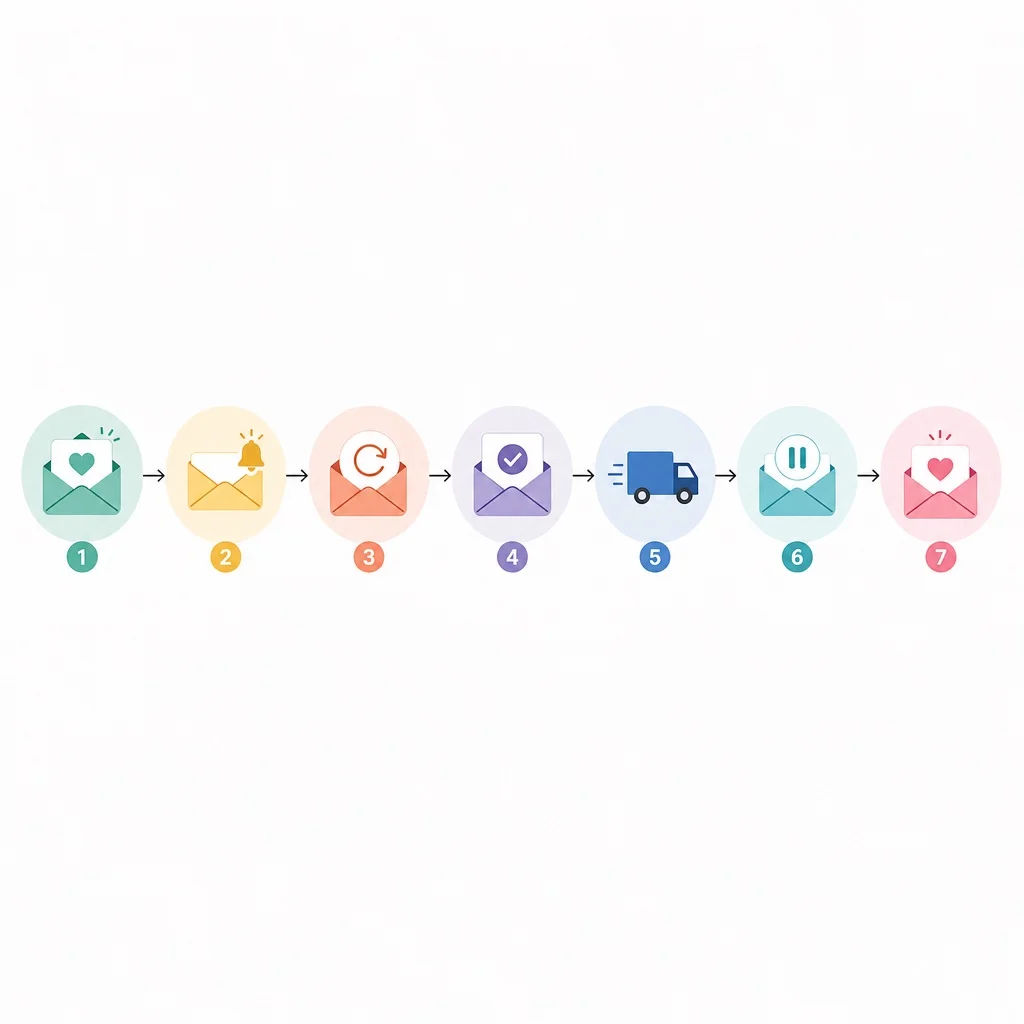
- Welcome email fires immediately on subscription creation
- Renewal reminder fires 3 days before every billing date
- Recovery sequence fires the same day a payment fails, then follows up at day 3 and day 6
- Order confirmation fires when renewal payment succeeds
- Shipping notification fires when fulfillment is created
- Pause/skip confirmation fires immediately on subscriber action
- Win-back fires 21 days after cancellation
Once these are configured, the entire email layer runs itself. A subscriber goes from signup to their sixth month without a single manual touchpoint — and your retention numbers reflect it.
Ongoing Subscriptions+ Bundles handles billing events, dunning, and payment recovery automatically. For the broader email sequences, Customer.io or Klaviyo connected to your subscription app's webhooks gives you full control over timing and copy.
The Email Layer Is the Retention Layer
Subscriptions don't retain themselves. The product has to be good, but the experience around the product — the anticipation, the communication, the feeling of being taken care of — is what keeps someone subscribed through the months when life gets busy and it would be easy to cancel.
The merchants who build this email layer correctly tend to have churn rates half of what their competitors see. Not because they're better at ecommerce. Because they automated the right touchpoints and let the system do the work.
Start with the welcome email and the renewal reminder. Get those right first. Then add recovery, shipping, and pause confirmations. Each one compounds — and the whole system runs without you.
Ongoing Subscriptions+ Bundles is free on development stores. Build out your full subscription setup and test every billing event before your first subscriber renews.
Published by Ongoing Apps